
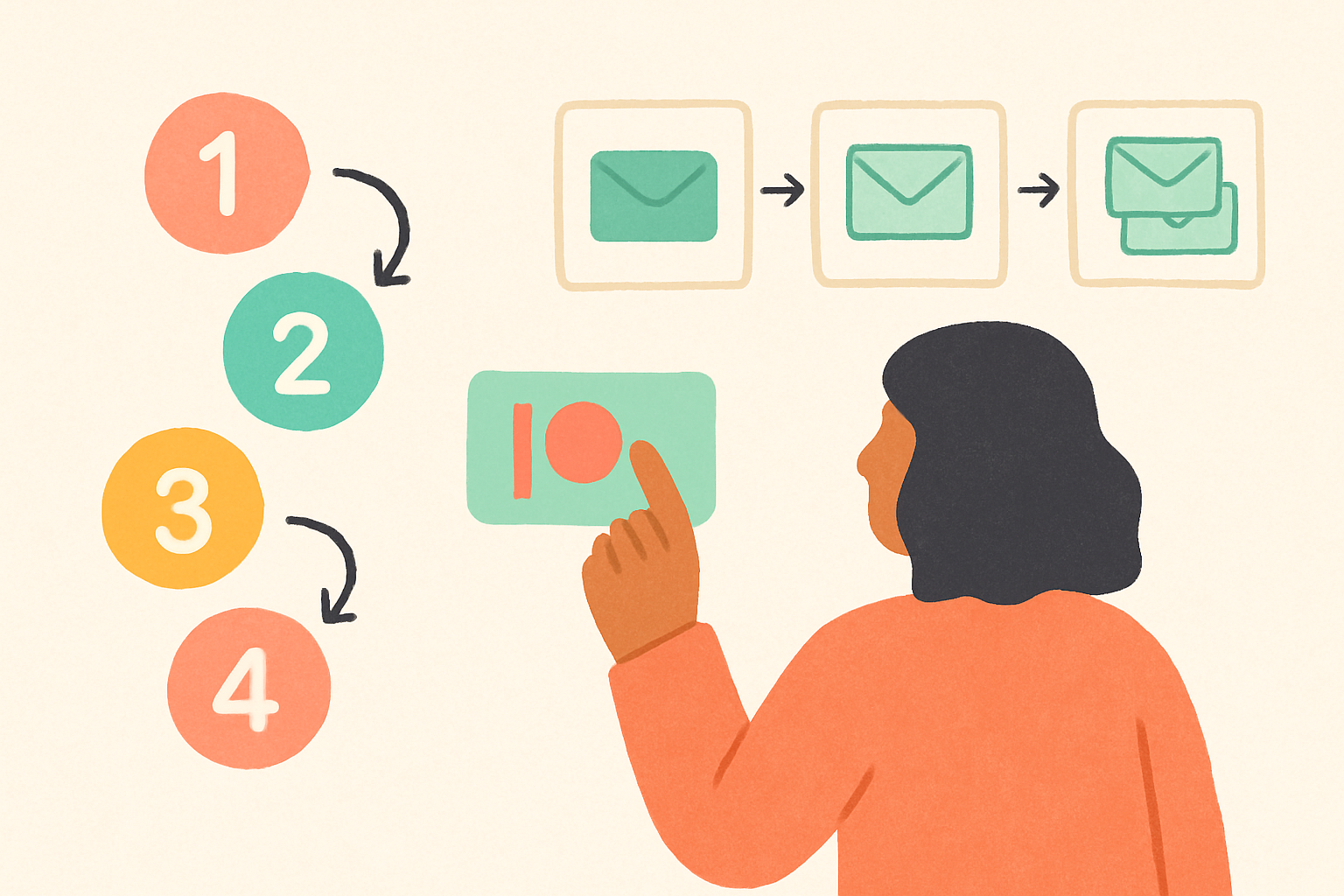
5 minutes, 4 clicks, no code. Every screen, every authorize button, in the order you'll see them.
Before you start
Two things:
- A Patreon campaign with at least one paid tier.
- An email tool you already use — Shopify Email, Mailchimp, ConvertKit, or Resend.
You don't need a fresh list. You don't need to write a single new email today. You'll point each sequence at lists you already have.
Step 1 — Pledge a tier on Patreon
Go to patreon.com/fanconvert
and pledge to Free (no card) or Early Bird ($29 / month,
price-locked). Within ~30 seconds, your dashboard invite lands at the
email Patreon has on file, from welcome@fanconvert.us. Check
Promotions or spam if you don't see it.
FanConvert is invite-only by design — pledging is the gate.
Step 2 — Open the invite, sign in
Click the link, sign in with email + password (or magic link). You land on the dashboard with two cards: Connect Patreon and Connect your email tool.
Step 3 — Connect Patreon
Click Connect Patreon. Patreon asks you to authorize FanConvert to read your campaign and members list. Scopes are read-only on both — no write access, ever.
Click Allow. The dashboard updates:
- Your campaign name and patron count appear
- Each of the four sequences flips to Live
- "Last sync" reads seconds ago
From now on, every pledge, upgrade, cancel, and declined charge reaches your dashboard within a second of Patreon firing it.
Step 4 — Connect your email tool
Click Connect your email tool, pick yours, authorize once. Your existing lists pull in. Point each sequence at the right list:
free_to_paid— "thank you for upgrading"onboarding— welcome for new paid patronswinback_cancel— lapsed patronswinback_denied— failed-card recovery
One list? Point all four at it. Split them later from the same screen.
Click Save. A green banner reads Live — the next change on Patreon will fire the matching sequence.
Step 5 — Watch the first one fire
You're live. The next thing that happens on your campaign — a pledge, a tier change, a cancel, a card decline — fires the matching sequence and reaches the patron's inbox in under one second.
Want proof? Open the Events page. Every membership moment lands
there as Patreon fires it, with the sequence that ran and the inbox
it went to. Bookmark it for the 1st of each month, when
winback_cancel catches the natural drop-off — the same per-patron
visibility Patreon's own Membership
Insights
shows for status changes.
Two common gotchas
Skipping step 4. If you connect Patreon but not your email tool, the dashboard records every moment but sends nothing. A yellow "Patreon connected, no email tool" banner flags it. Finishing step 4 picks up where you left off.
Crossing 100 events on Free. The Free tier covers 100 patron events per month, no card. Cross 100 mid-month and sequences pause until the 1st. If you regularly cross it, Early Bird ($29/month, 3,000 membership moments, price-locked, limited seats) is the natural next step — Standard ($39) and Pro ($59, 6,000 moments) sit behind it. Full list of what counts toward the cap in The Free tier covers 100 events a month.
— The FanConvert team. Start at patreon.com/fanconvert.